Friction as a savings tool: add speed bumps
One-click, saved cards, Face ID checkout: every bit of friction has been sanded away to make you spend. To spend less, you do the opposite and put a few speed bumps back.
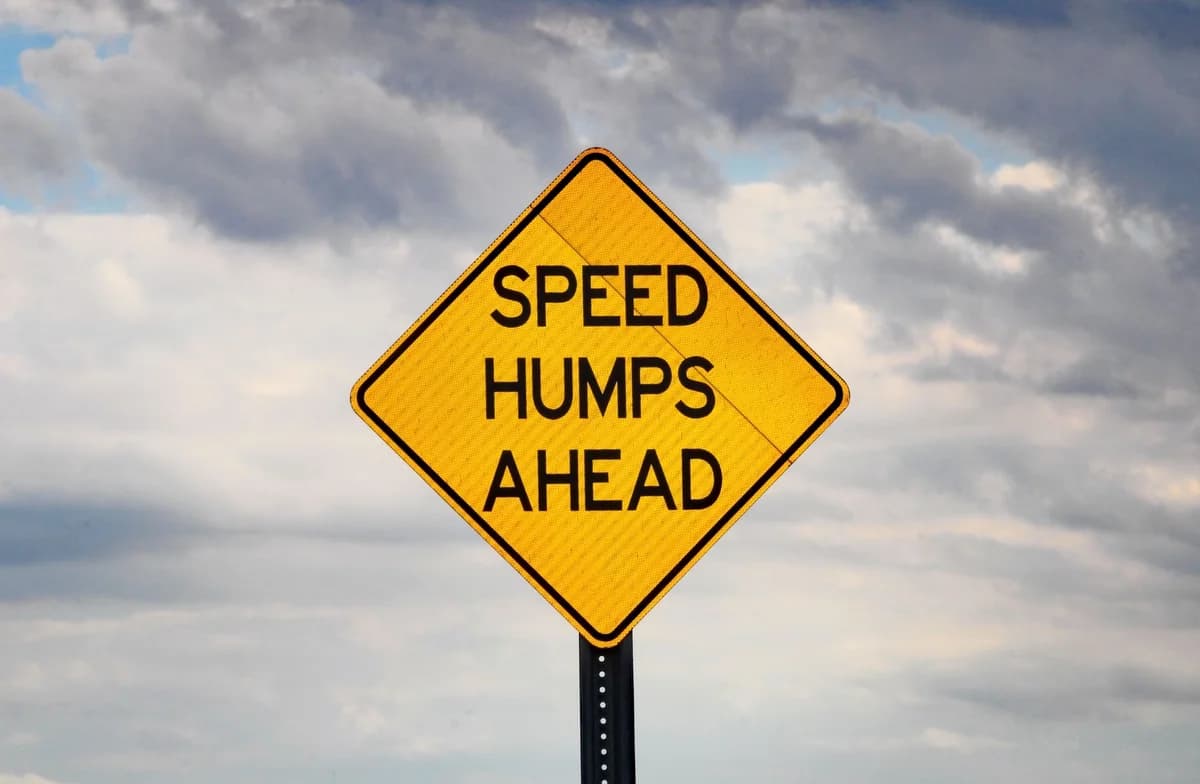
Stores have spent billions making it easier to buy. One-click. Saved cards. Face ID checkout. Every bit of friction between you and “purchase complete” has been sanded away on purpose, because they know a simple truth.
Easy means more. The smoother the path, the more you spend. So if you want to spend less, you do the opposite: you put friction back. On purpose.
Friction is just speed bumps
A speed bump doesn't ban driving. It just makes you slow down. Spending friction works the same way. You're not forbidding yourself anything. You're adding a few seconds of effort between the urge and the tap. And in those seconds, a lot of bad buys quietly die.
Speed bumps you can add today
- Log out of shopping apps so you have to type your password each time.
- Remove saved cards so checkout means digging for your wallet.
- Delete the apps that suck you in. Buy from the slow website instead.
- Turn off one-click. Make the cart-to-buy path longer, not shorter.
None of these stop you from buying what you truly want. They just stop the half-asleep, two-tap buys that you'd never miss.
The opposite trick for saving
Flip it: make saving the frictionless thing. Set up an automatic transfer so money moves before you can touch it. Make spending hard and saving easy, and your defaults do the work for you.
The 48-hour speed bump
The biggest friction of all is time. Parking a price for two days is a speed bump you can't tap past. The buy simply has to wait. (See: The 48-hour rule.)
The takeaway
Stores removed every speed bump to make you spend. Put a few back. A little friction in the right place saves more money than any amount of willpower.
How this helps you in CostMe
Make running the number your speed bump: before any buy, CostMe shows the 30-year cost and lets you park the price for 48 hours.
Start free