Pausing CostMe reminders temporarily
On a holiday or a hard week, the last thing you want is a nudge. Here's how to pause CostMe's reminders without quitting the habit.
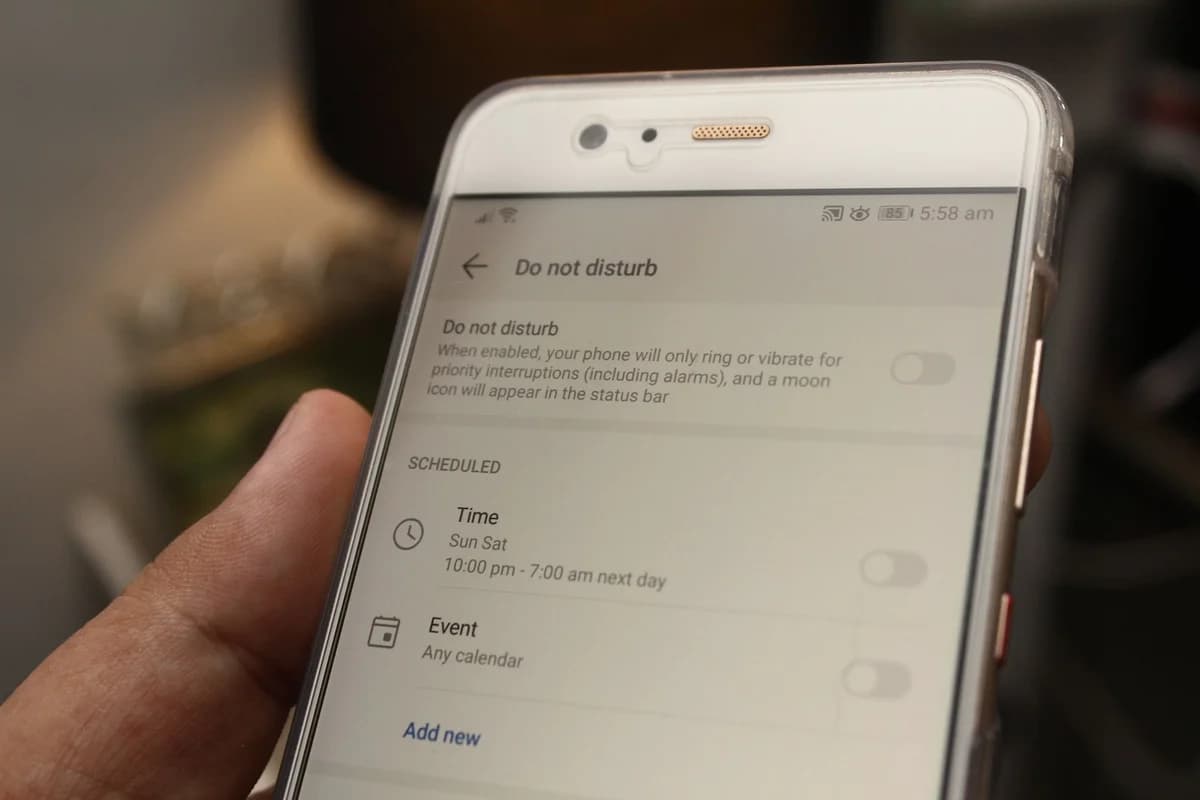
Reminders are helpful right up until they are not. On a holiday, a hard week, or a day you just need quiet, the last thing you want is a nudge about a timer. Here is how to pause CostMe’s reminders without abandoning the habit.
What pausing does
Pausing quiets the nudges for a while without touching your data. Your streak, savings, and vault items all stay exactly where they are. You are just turning the volume down for a bit.
Why a pause beats quitting
When notifications feel like nagging, the temptation is to switch everything off and forget the app entirely. A temporary pause is the gentler move: you get peace now and the habit is waiting, intact, when you come back.
How to pause them
- Open your notification options. See setting up notifications.
- Turn off the reminders you do not want for now.
- Turn them back on when the moment passes. Your streak does not punish you for the quiet.
If a slip happens while quiet
Without nudges you might miss a vault timer or log a buy. That is fine. It is data, not failure. When you are back, reset after a slip without quitting and pick up where you left off.
The takeaway
A pause is not giving up. It is pacing yourself. Quiet the reminders when you need to, keep your progress, and switch them back on when you are ready.
How this helps you in CostMe
This shows how to pause CostMe's notifications temporarily while keeping your streak, lifetime savings, and vault items intact, so a hard week doesn't end the habit.
Start free