Reading the vault countdown timer in CostMe
Park a buy and a clock starts. That little countdown is doing more work than it looks. Here's how to read it.
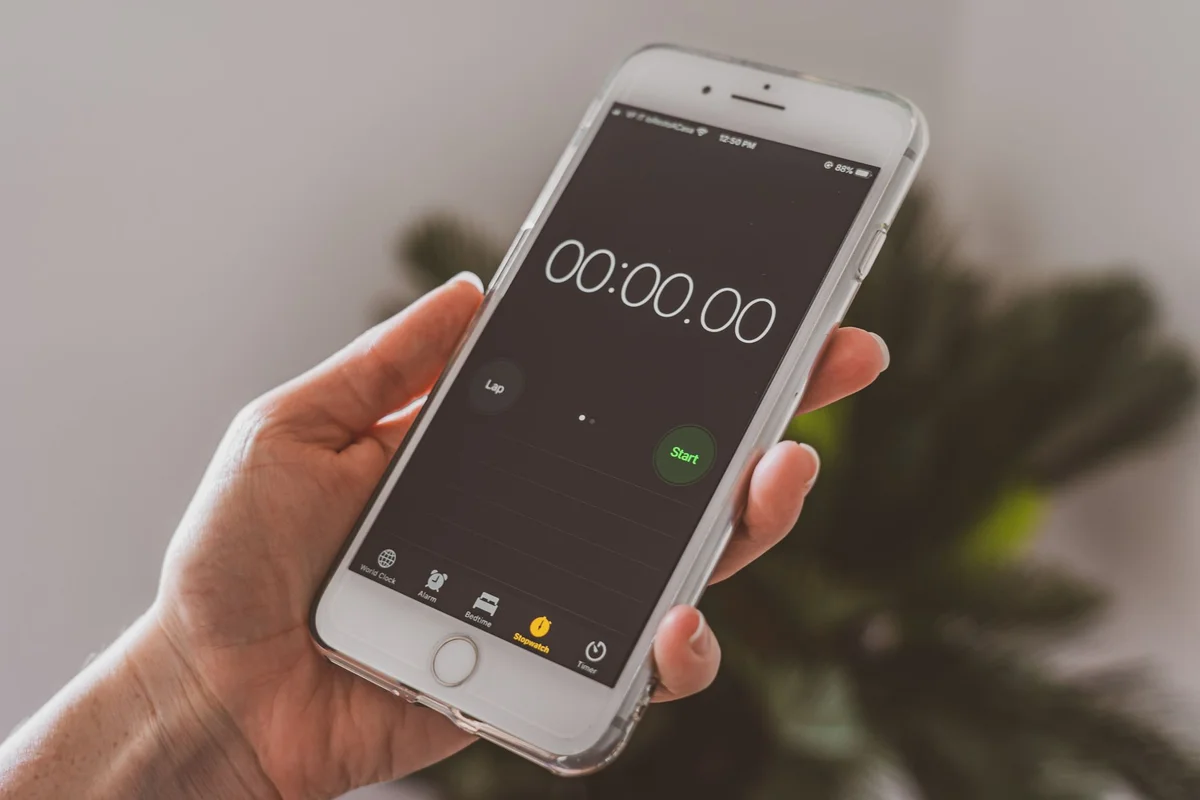
When you park a purchase in the vault, a clock starts. That little countdown is doing more work than it looks. Here is how to read the vault timer and why watching it tick is part of the magic.
What the timer shows
The countdown tells you how long until your 48 hours are up. While it runs, the purchase is on hold. Not bought, not gone, just waiting. When it reaches zero, CostMe asks if you still want the thing.
Why a visible clock helps
An urge feels urgent. Like you must buy now. The timer answers that with a simple truth: nothing bad happens if you wait. Watching the clock count down trains your brain that the panic fades, and usually so does the want.
How to use the countdown
- Park the buy. See how the 48-hour vault works.
- Glance at the timer when the urge returns. Most of the time it has already cooled.
- When it hits zero, make the real call at the follow-up.
If you forget to check
You do not have to babysit the clock. Turn on notifications and CostMe will tap you on the shoulder when the timer ends, so a parked item never just disappears into limbo.
The takeaway
The vault timer is a visible promise that waiting is safe. Watch it cool the urge, and decide with a clear head when it hits zero.
How this helps you in CostMe
This explains CostMe's 48-hour vault countdown. The visible timer that holds a parked purchase until the urge cools, with notifications to flag when it ends.
Start free