Setting up the CostMe home-screen widget
The best money tool is the one you actually see. The CostMe widget puts your progress right where your thumb already goes.
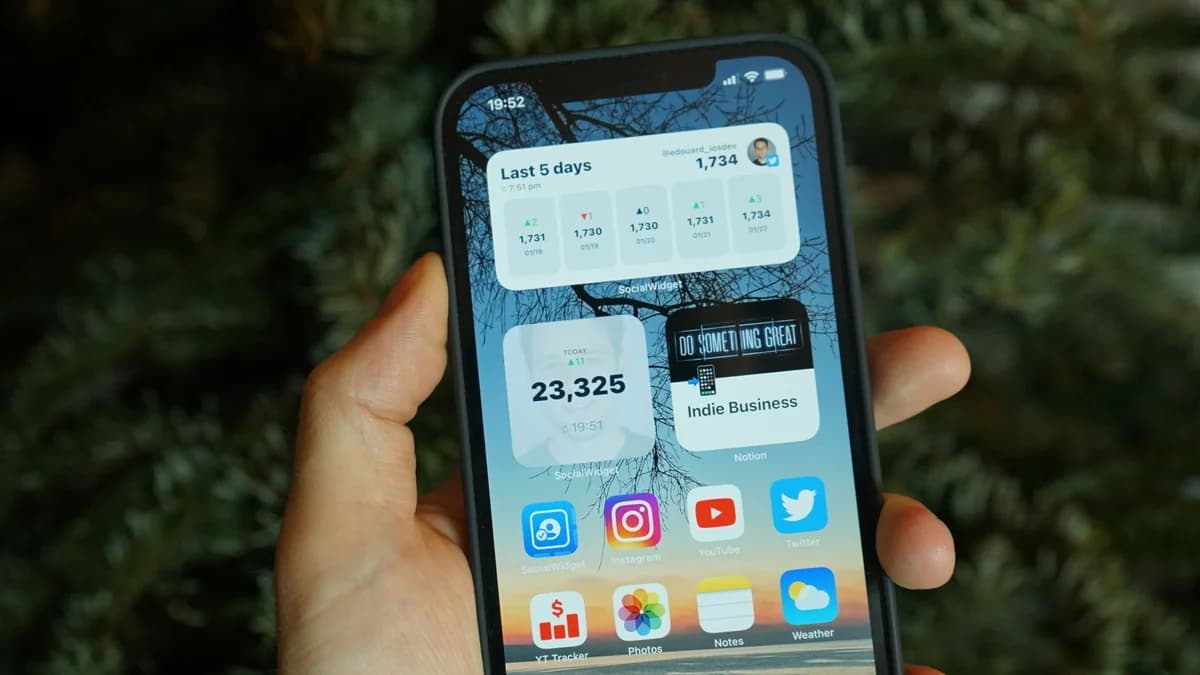
The best money tool is the one you actually see. CostMe has a home-screen widget so the app is right there on your phone, before you ever open a shopping app. Here is how to set it up and why it helps.
What the widget is
A widget is a little tile that lives on your iPhone home screen, outside the app. The CostMe widget puts your progress and a quick way in right where your thumb already goes. So the habit stays in front of you instead of buried in a folder.
How to add it
- Touch and hold an empty spot on your home screen until the icons wiggle.
- Tap the plus button in the top corner.
- Search for “CostMe” in the widget list.
- Pick the size you like and tap Add Widget.
- Drag it somewhere you will actually see it, then tap Done.
That is the whole setup. No accounts to link, no settings to wrestle with.
Why a widget helps
Impulse buying thrives when the easy path is the shopping app and the hard path is the money app buried three screens deep. The widget flips that. Seeing your savings total every time you unlock your phone is a tiny, constant nudge toward your future self.
It also makes the app one tap away when an urge hits. Which matters, because the urge fades fast. (See why impulse buying feels good for 30 seconds.) The less friction between you and the 30-year number, the more often you will check it.
Where to place it
- Near your shopping apps. If Amazon and the widget sit side by side, you will see the number right before the temptation.
- On your first home screen. Out of sight is out of mind. Keep it where you look most.
- Big enough to read. A larger tile shows more of your progress, which is more motivating.
The takeaway
A money habit only works if it is visible. The CostMe widget keeps your savings and your future-value reflex right on the home screen, so the smart choice is always the easy one to reach.
How this helps you in CostMe
This walks through adding CostMe's home-screen widget so your savings progress and the calculator stay visible and one tap away.
Start free