Editing your CostMe history
We all fat-finger a price now and then. You meant $40 and got $400. CostMe lets you fix your history so your numbers stay honest.
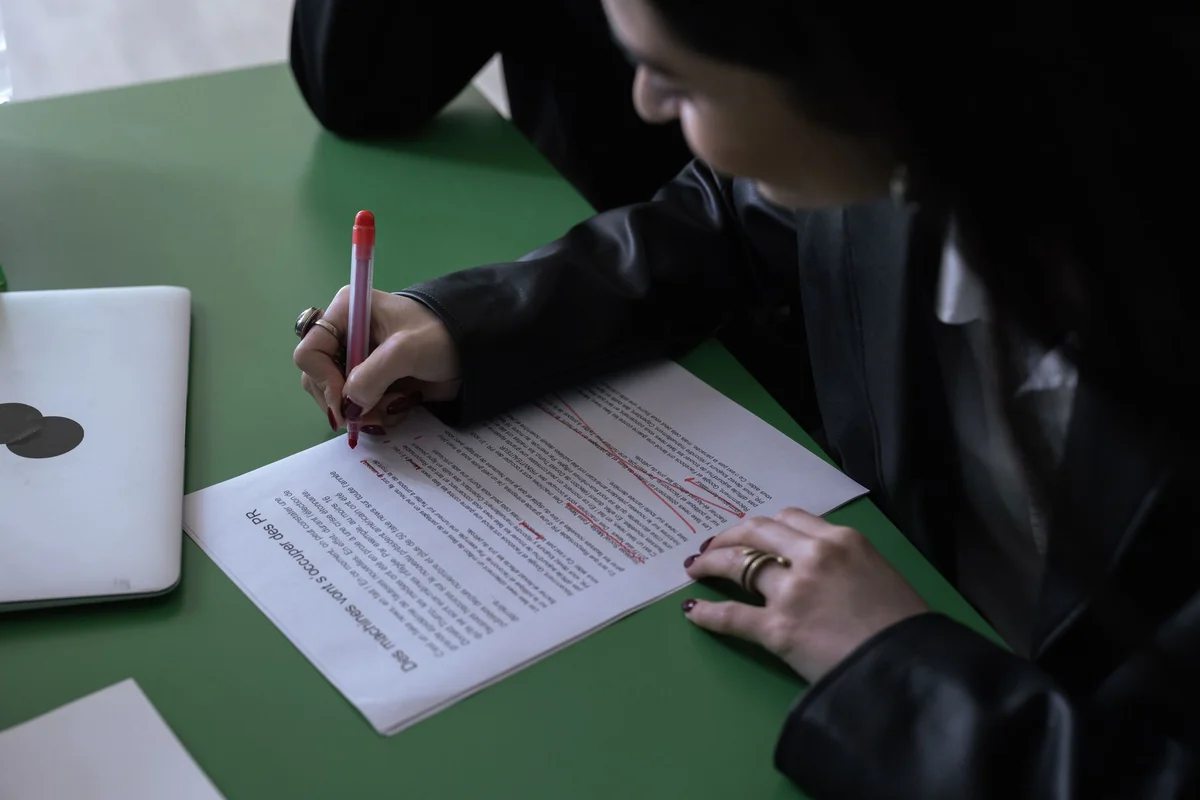
We all fat-finger a price now and then. You meant to type $40 and got $400. Or you logged a buy you actually returned. CostMe lets you fix your history so your numbers stay honest. Here is how.
Why this matters: your savings total and your patterns are only useful if the data behind them is right. A wrong entry quietly skews everything.
Finding an entry
Open your history list. Every choice you have made — vaulted, resisted, or bought — shows up there with its price and date. Scroll to the one you want, or search if your list is long.
Editing or deleting it
- Fix a typo. Tap the entry, change the price or category, and save. Your totals update right away.
- Remove a mistake. Swipe to delete an entry that should not be there at all, like a buy you returned.
- Change the outcome. Logged it as bought but actually resisted? Switch it so the win counts.
A note on honesty
Editing is for fixing real mistakes, not for erasing buys you regret. The app works because the data is true. If you bought it, log it. There is no shame, and honest logging is what keeps your insights worth trusting.
How this helps you in CostMe
This explains how to edit or delete entries in CostMe so a wrong price doesn't quietly skew your lifetime savings or your pattern insights.
Start free